Turnaround time: 10-15 working days (not including weekends)
Quantity
Couldn't load pickup availability
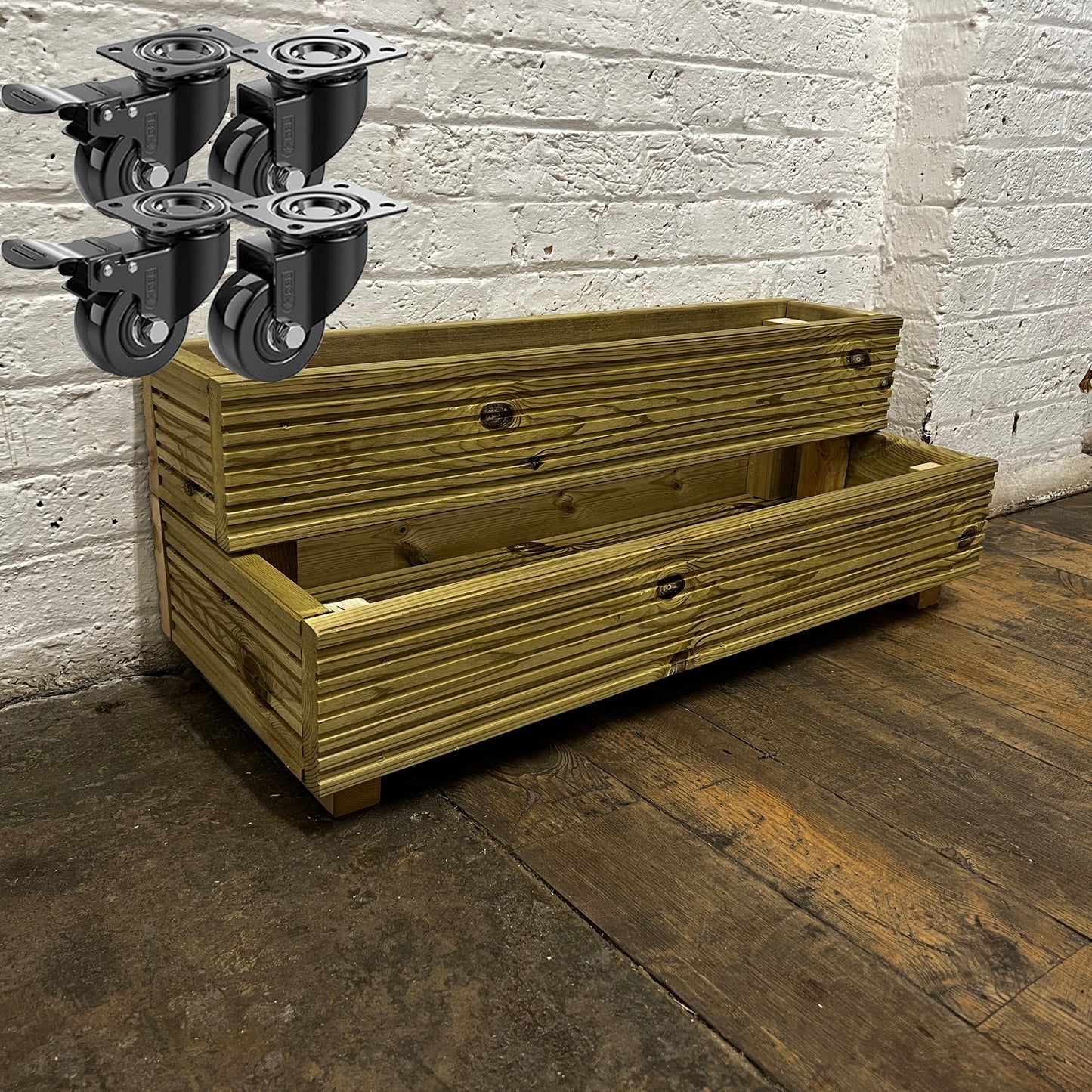
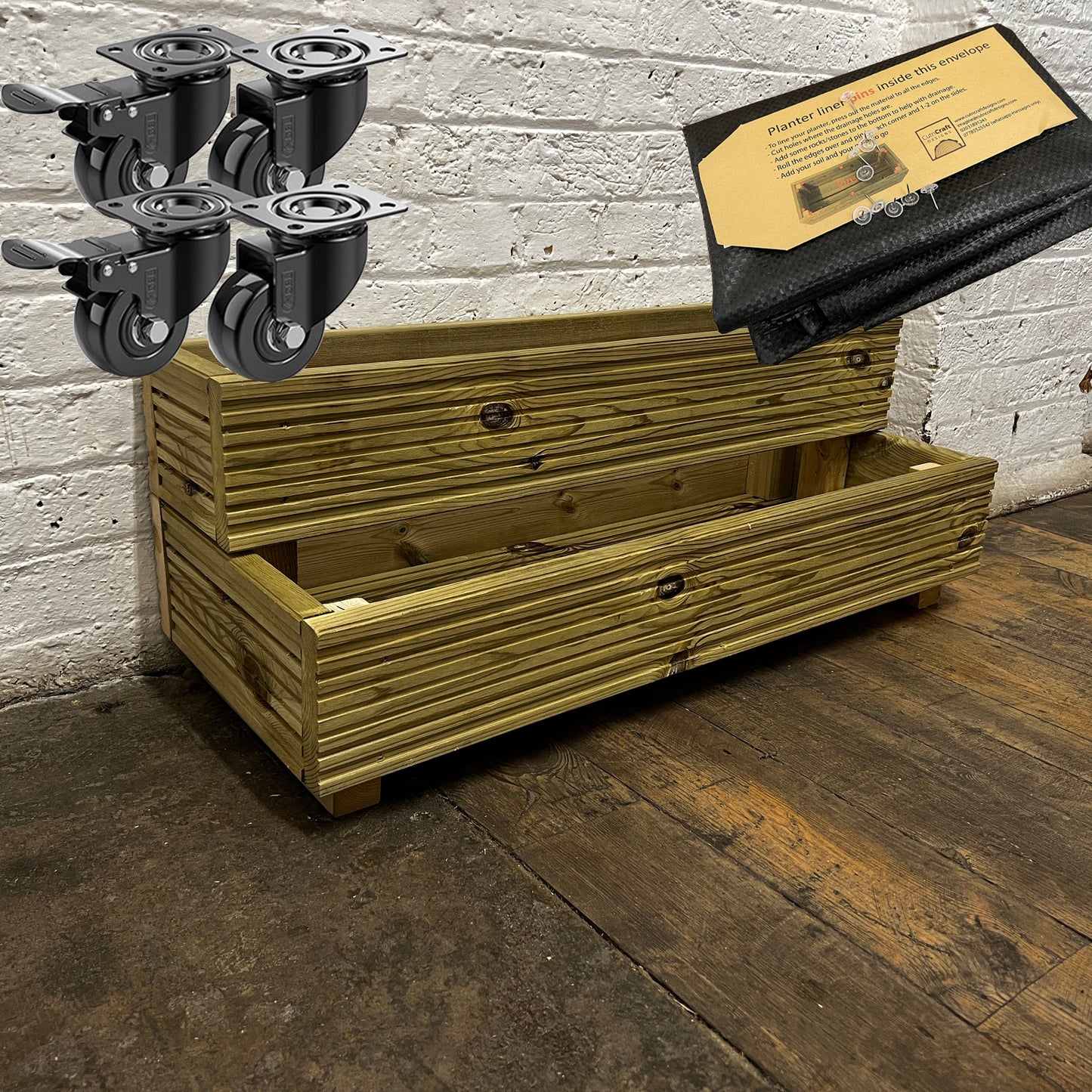
Make the most of your outdoor planting space with this large 2-tier wooden decking planter, designed to bring structure and visual interest to patios, decking areas and gardens. The dual tier layout provides flexible space for both deep-rooted plants and trailing varieties in one attractive unit.
Planter Dimensions:
Length: 88 cm (34.6 inches)
Depth: 35 cm (13.8 inches)
Total Height: 33 cm (13 inches)
Volume: 60 litres. About 1 bag of compost. Note, what you plant will also take up some of this space.
Crafted from premium timber and pressure-treated for long-lasting outdoor durability, this planter is built to withstand the elements while maintaining a natural wooden finish. It arrives fully assembled and ready to plant, complete with pre-drilled drainage holes and raised feet to support healthy root growth and help prevent waterlogging.
Key Features:
Dual Tier Design: Two planting levels provide space for a variety of plants
Pressure-Treated Timber: Built to resist rot and outdoor weathering
Pre-Drilled Drainage Holes: Helps excess water escape and supports plant health
Raised Feet Included: Enhances airflow and protects surfaces underneath
Fully Assembled: Ready to use straight out of the box
Versatile Outdoor Use: Ideal for patios, gardens, decking and balconies
Natural Wooden Finish: Complements both contemporary and traditional outdoor décor
For extra convenience, you can add a self-install liner to protect the wood or choose heavy-duty wheels (pre-drilled holes are provided) to easily move the planter around your outdoor space. Every planter is made using FSC- and PEFC-certified timber and is shipped in recyclable packaging, reflecting our commitment to responsible sourcing and sustainability. Combined with quality craftsmanship, this raised garden planter is built to provide years of reliable outdoor enjoyment.
Subscribe to our mailing list. We never share your details!
Choosing a selection results in a full page refresh.
Opens in a new window.
PayPal Pay Later Messaging
Step 1: Choose message placement
Click the button below and then hover over your page to select a placement.
Step 2: Paste and save
You have copied the placement for the Product Page.
Go back to the App Embeds section, and in the Paypal Advanced Settings, paste the copied value into the
Product Page field and click the 'Save' button in the top right corner.